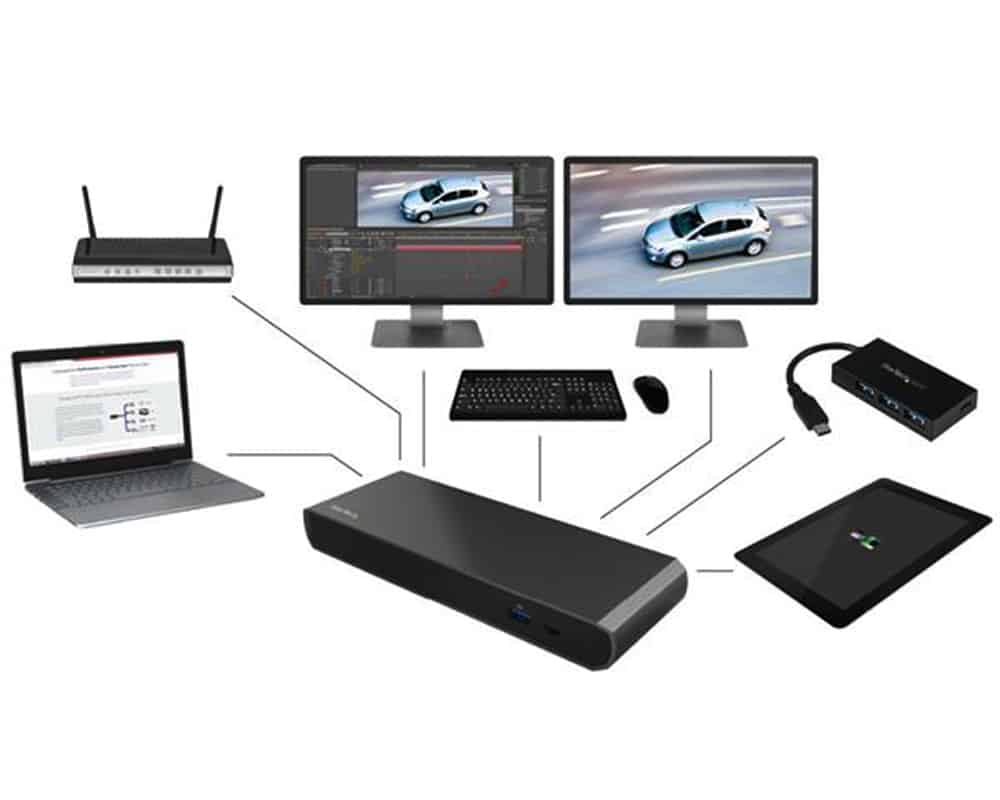
You can now find the higher resolution settings in your display properties settings. Change it according to your demand  .
.
For more tips like this, you can read our post category about “Tips and Tricks“.

How To Refresh A PC By 1 Click Using Refresh.bat Easily
Let's do something funny and worthy. Refresh your entire hard drive with just one click. Make your computer faster than you ever imagine. In this article, you will get the answer: "How to refresh on computer? Or How to refresh…

How to Remove Properties and Personal Information From Useful Files Now? Quick smartest way
This article will help you to “Remove Properties and Personal Information” from your files, and it works for almost all Windows Versions. You will be able to remove properties and personal information from Music files, Images Files, Document Files, or any…

6 Crucial Solutions for Acer Pc So Slow – The Experts View
Some Acer PC, i.e. Aspire One D 270, are very slow sometimes. It acts as unusable. The scenario is like this – the start time is 15 minutes, and the shutdown time is 7 minutes. In this article, we will…